ls # list files in the current directory
cat <file> # not as cool as it looks... just print the contents of a file
find -name <pattern> # find files by name
tree # print the tree of the current directory
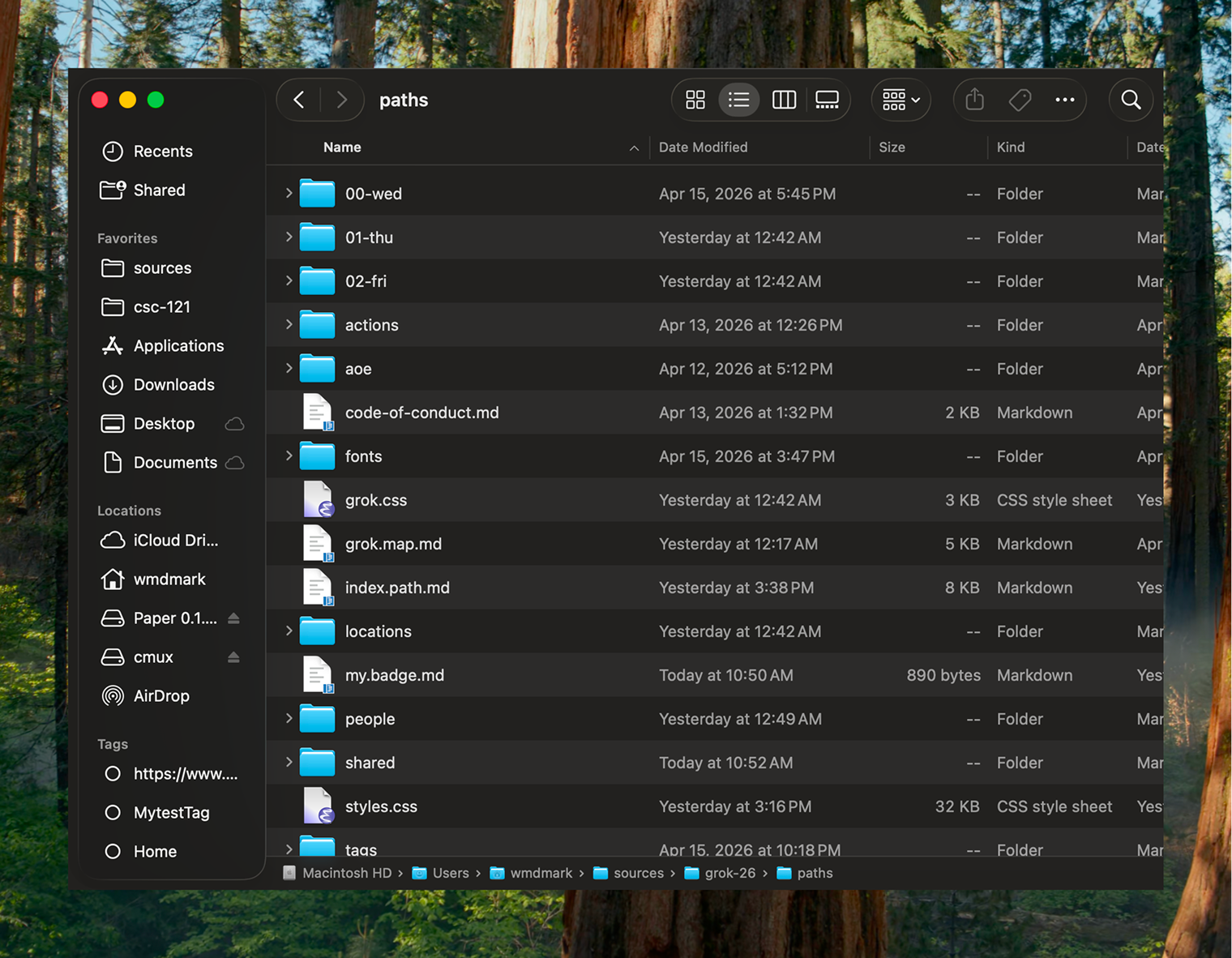
^ we all know what this is

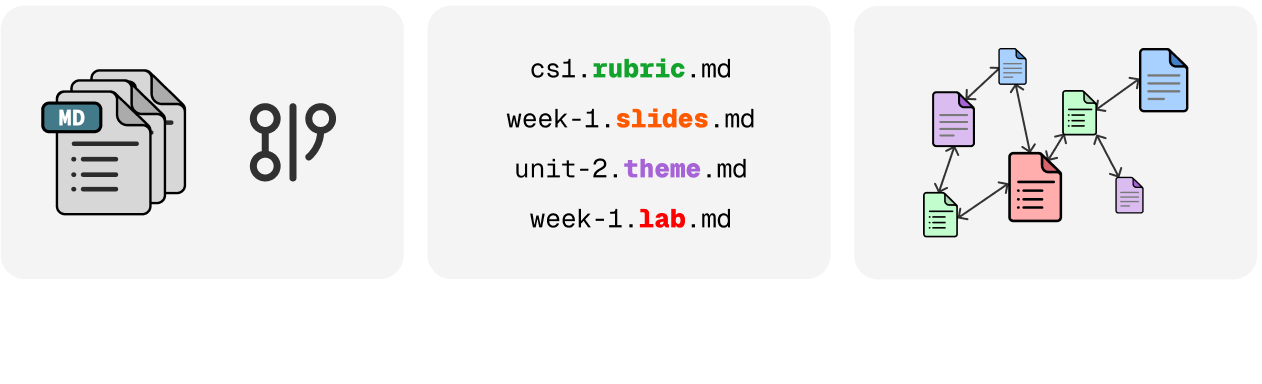
^ files with links to other files (e.g. markdown) > files w/ no links
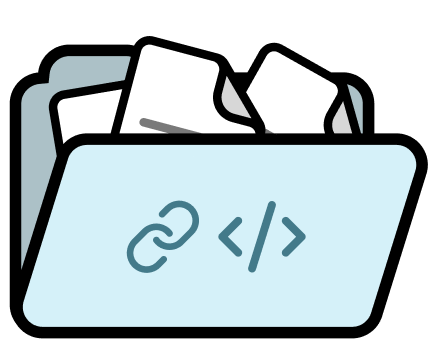
^ put these files in a repository and now you have versioned history, diffs, and more.
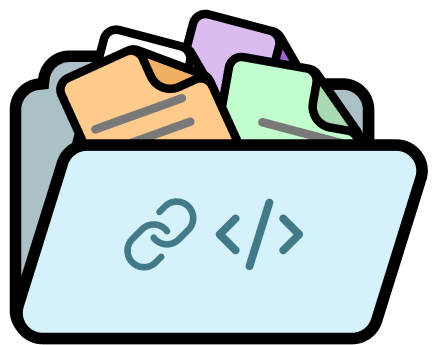
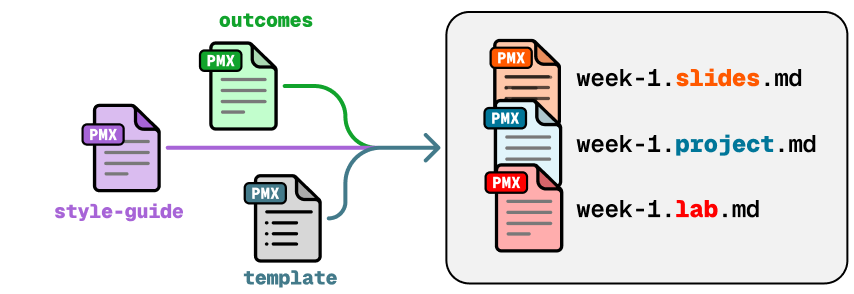
^ if you name your files with type hints, it allows humans (and agents) to infer the ontological role of the file without having to read the contents.
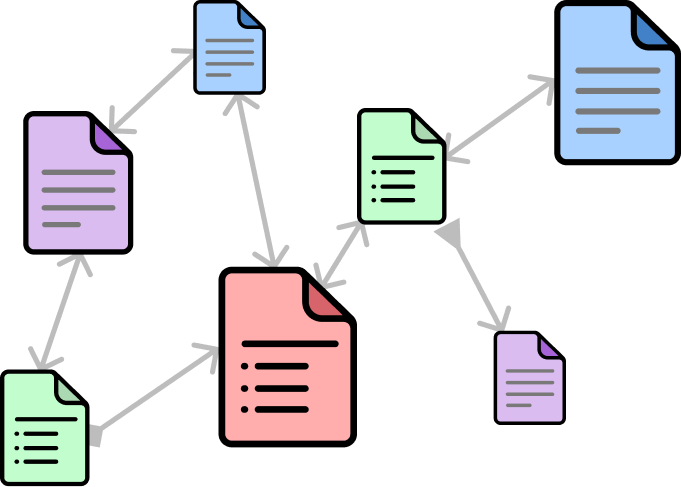
^ this create an ontological graph representing whatever domain you like that can be built bottom-up.
ls -l  # list all files
find -name "*.profile.md" # find all profile files
cp lab-template.lab.md week-2.lab.md # create a new lab file from a template
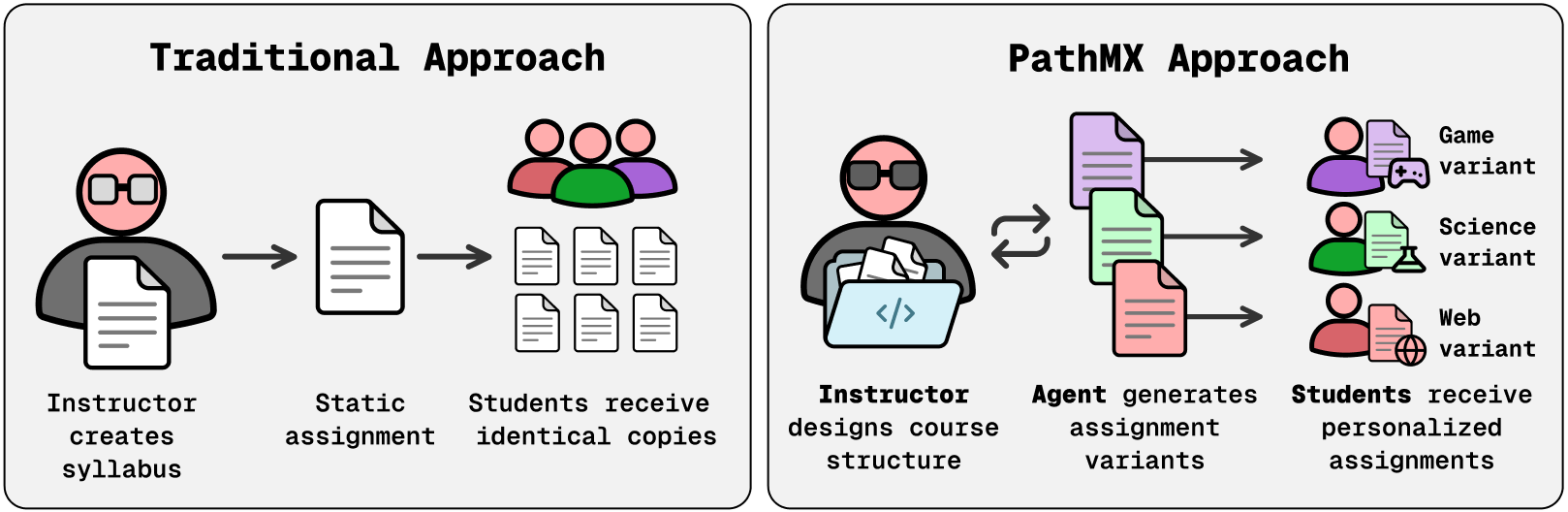
claude -e "create a new guide for Rory T who is struggling with the concepts of loop introduced in lecture 3 and lab 2" # cretes a personalized guide for Rory T based on the current folder context
git diff # show all changes in the repository
git commit -m "add new lab file for week 2 and guide for Rory T"
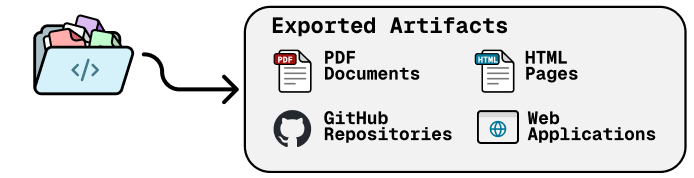
git push # push the changes to the remote repository
PathMX
- Human first. Agent friendly.
- "Markdown files in a repo" but with super powers
- Evolves as you build it, portable and maintainable by design